Introduction
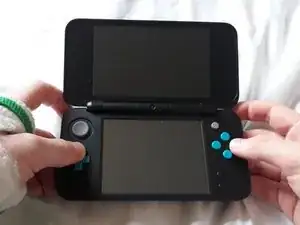
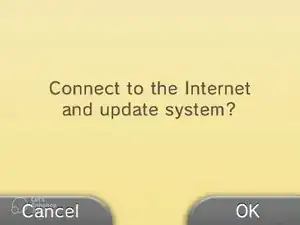
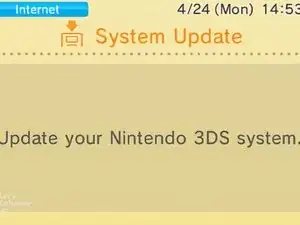
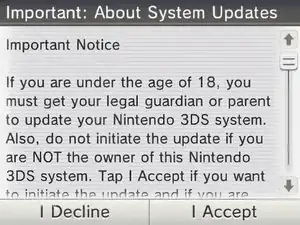
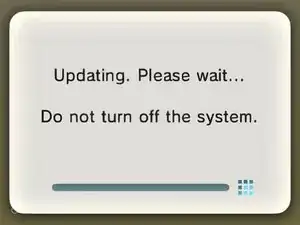
This guide demonstrates how to use SAFE_MODE, a 3DS family recovery feature which can fix damaged system titles, as well as other software issues by forcing a system update. It's demonstrated here on a 2DS XL, but the process is the same for all 3DS (and 2DS) systems.
-
-
Ensure the console is powered off
-
Hold the (L) + (R) + (A) + (D-Pad Up) buttons
-
While still holding the other buttons, press the power button
-
Conclusion
If your issue persists after following this guide, a system format may fix it. Or, if you'd prefer to keep your data, you can ask a question

2 comments
Does this work on old family 3ds?
Works on every 3ds and 2ds model